A website for plumbers, live in minutes
Most plumbing work is found in a hurry. Your page answers the three things somebody asks in that hurry: do you cover me, are you working now, and what is the number.
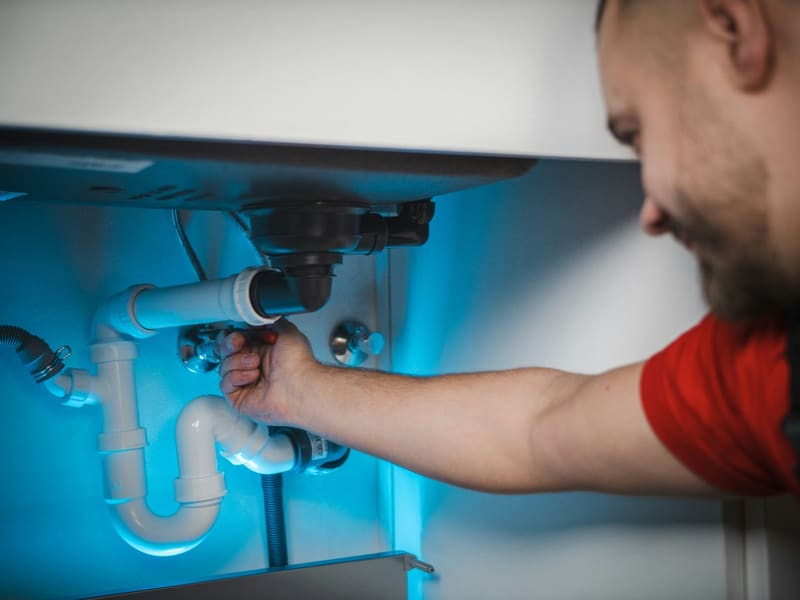 A real Clay site, built from a Google listing
Nobody browses for a plumber. They search once, on a phone, usually with something running, and they ring the first result that looks real and local.
Clay reads your Google listing and puts the site together around it: your number as a button rather than as text somebody has to copy, the towns you cover, the hours you actually answer, and the reviews that make a stranger dial rather than scroll. Nothing to design, and free on your own address.
Why Clay
It pulls your info from Google
No blank page. Clay reads your Google business listing and fills in your name, photos, hours, map and reviews automatically.
A real website, not just links
Menus, bookings, a shop, a gallery, contact, Clay is a full site that also works as a link-in-bio, not a list of buttons.
Live in minutes, free to start
Search, pick a style, publish. No signup to see it, no credit card, and a free live address at name.clay.site.
Yours to grow
Bring a custom domain, add pro widgets, run multiple sites. It scales from a bio link to a full business site.
The number is a button, not a line of text
A phone number typed into a paragraph is a phone number somebody has to select, copy and paste while holding a towel against a pipe. On a Clay page it is the action in the bar, on every band, and one tap dials it.
Under it sits the thing that decides whether they tap at all: whether you cover where they are. A list of towns is not decoration, it is the answer to the only question they have.
Reviews do the work a logo cannot
A stranger is deciding whether to let you into their house. The thing that settles it is not a design, it is twenty people saying you turned up when you said you would.
Your Google reviews are on the page already, pulled in when the site is built, with the rating stated once as proof rather than printed on every band.
What you can switch on
Every one of these is part of your site, not a plugin to install. Turn on what you use and leave the rest off.
What it looks like when it is live
Drawn rather than described, the page, the address, and what it can switch on.
How it works
Search your business
Type your name, Clay pulls your photos, hours, reviews and contact details straight from your Google listing.
Pick a style
Choose a look and Clay builds a full site around your content. Change anything with a tap, no code, no templates to wrestle.
You're online
Publish to your own name.clay.site in minutes. Add a custom domain and connect your own tools whenever you're ready.
What you get
- Your number as a one tap button on every band
- The area you cover, written out and searchable
- Your Google reviews and rating, pulled in
- A quote form for the jobs that are not an emergency
Questions
How long does it really take?
Most people are live in two to three minutes, search your business, pick a style, publish. There is nothing to install and no signup needed to see your site first, because it is built from your Google listing rather than from a blank page.
Is it free?
Yes. You get a live site on your own name.clay.site address with a small badge in the footer, and nothing expires. The paid plan is your own domain, the badge removed and the pro features.
Do I need any tech skills?
None. If you can type your business name, you can build a Clay site: the live page is the editor, so you tap the thing you want to change. There is no code anywhere, and nothing to install or keep updated, see the WordPress comparison for what that saves.
Can I use my own domain?
Yes, buy it wherever you like and point it at Clay on a paid plan; the certificate is issued for you. Until then the free name.clay.site address is a real one you can print, and it keeps working afterwards.
Can people request a quote instead of ringing?
Yes. A bathroom is not an emergency and nobody wants to describe one on the phone at eight in the morning, so the page carries a short form as well as the number. It reaches you by email or on WhatsApp, whichever you set: orders and enquiries on WhatsApp.
How do I show the area I cover?
As words, not as a map pin. A page that says Leeds, Wetherby, Otley and Ilkley can be found by somebody in Otley; a map with a circle on it cannot. Add the towns to the page and they are indexed with everything else.
Can I show my prices?
You can, and for a call-out fee it is usually worth it: a stated minimum stops the calls you do not want. Prices are text on the page, changed from your phone, so raising one is a tap rather than a redesign: a price list on your site.
Try it with your business
Search your business and see your site in seconds, free, no signup.