A website for your barbershop in Naples
Search your barbershop and Clay builds a real website, your photos, hours, reviews and a map, ready in minutes.
 A real Clay site, built from a Google listing
Naples is intense, warm and fiercely traditional, where pizza was born, coffee is a philosophy and the street-level bar-and-pasticceria culture runs deep in every quarter.
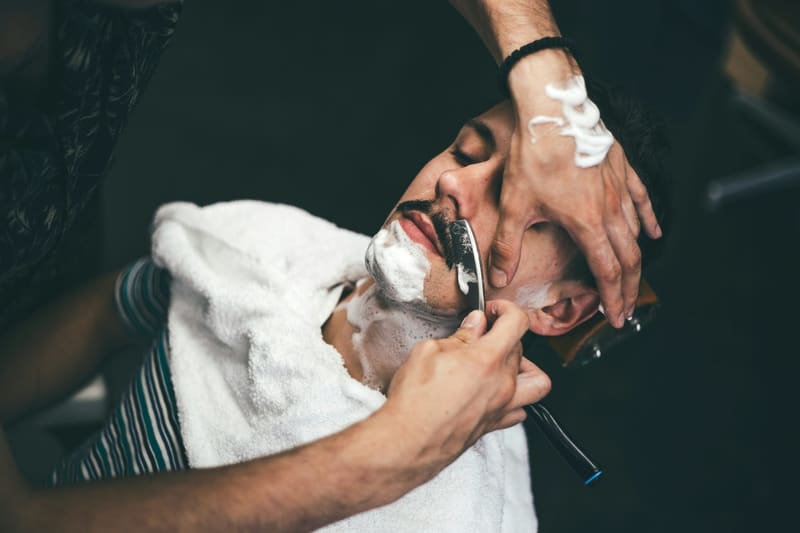
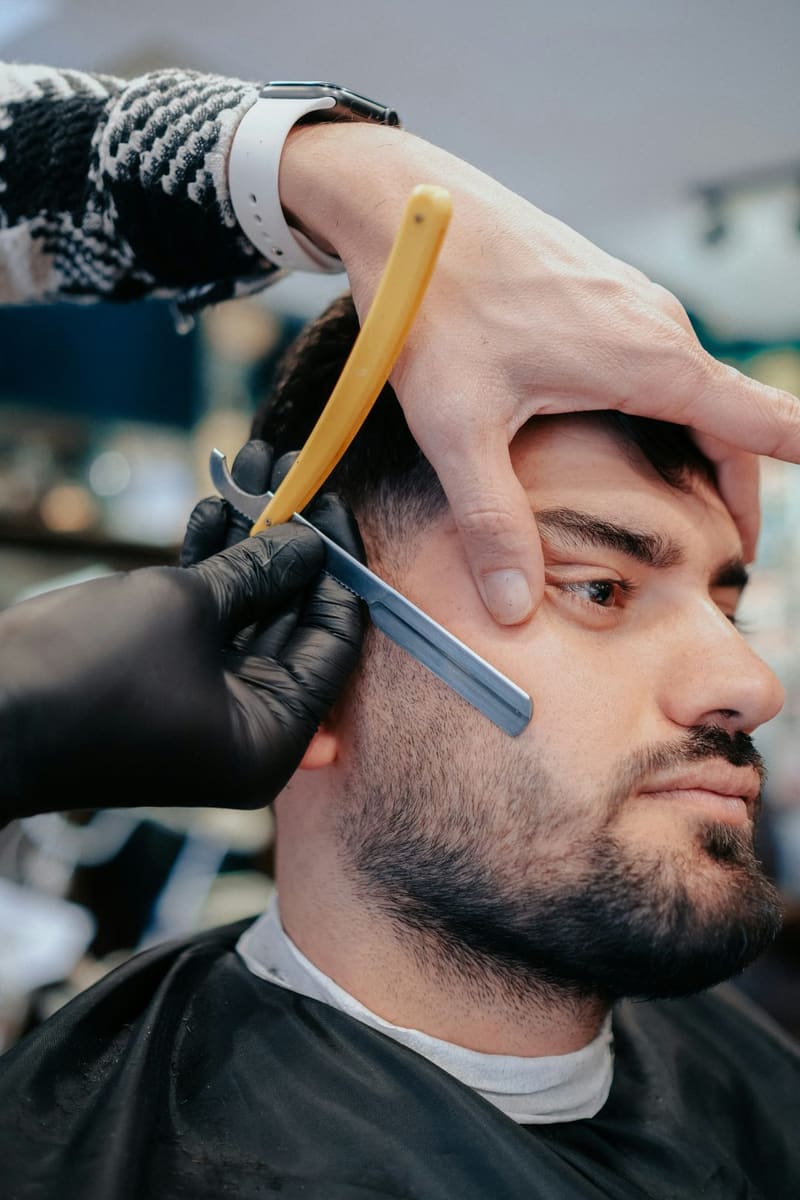
The barbiere is a neighbourhood fixture across the Quartieri Spagnoli and beyond, doing precise cuts, beard work and straight-razor shaves with plenty of conversation. Style runs sharp and traditional, many shops are family businesses passed down through generations, and grooming is treated as a point of pride. Whatever your barbershop is known for, Clay turns your Google listing into a real website, photos, hours, reviews and a map, so people in Naples find you and know what to expect before they visit.
Why Clay

It pulls your info from Google
No blank page. Clay reads your Google business listing and fills in your name, photos, hours, map and reviews automatically.

A real website, not just links
Menus, bookings, a shop, a gallery, contact, Clay is a full site that also works as a link-in-bio, not a list of buttons.
Live in minutes, free to start
Search, pick a style, publish. No signup to see it, no credit card, and a free live address at name.clay.site.
Yours to grow
Bring a custom domain, add pro widgets, run multiple sites. It scales from a bio link to a full business site.
Your photographs, already sorted
Clay reads the pictures on your Google listing, grades them, crops them for the shape each band needs and puts the best one at the top. Nothing to upload, nothing to resize.



What you can switch on
Every one of these is part of your site, not a plugin to install. Turn on what you use and leave the rest off.
What it looks like when it is live
Drawn rather than described, the page, the address, and what it can switch on.
How it works
Search your business
Type your name, Clay pulls your photos, hours, reviews and contact details straight from your Google listing.
Pick a style
Choose a look and Clay builds a full site around your content. Change anything with a tap, no code, no templates to wrestle.
You're online
Publish to your own name.clay.site in minutes. Add a custom domain and connect your own tools whenever you're ready.
What you get
Questions
How long does it really take?
Most people are live in two to three minutes, search your business, pick a style, publish. There is nothing to install and no signup needed to see your site first, because it is built from your Google listing rather than from a blank page.
Is it free?
Yes. You get a live site on your own name.clay.site address with a small badge in the footer, and nothing expires. The paid plan is your own domain, the badge removed and the pro features.
Do I need any tech skills?
None. If you can type your business name, you can build a Clay site: the live page is the editor, so you tap the thing you want to change. There is no code anywhere, and nothing to install or keep updated, see the WordPress comparison for what that saves.
Can I use my own domain?
Yes, buy it wherever you like and point it at Clay on a paid plan; the certificate is issued for you. Until then the free name.clay.site address is a real one you can print, and it keeps working afterwards.
My place has no website and never has. Where do I even start?
By typing your name into the search box. Clay finds your Google listing and builds the site from it, the photographs, the hours, the map, the reviews, and you look at a finished page before deciding whether you want it. There is nothing to fill in first.
Can walk-in clients still book a chair online?
Yes. Add a booking link or button and clients can grab the next open chair from their phone, while walk-ins still see your hours and location at a glance.
Can I take a deposit on the long appointments only?
Yes, deposits are set per service, so the two-hour job asks and the fifteen-minute one does not: appointment booking.
Try it with your business
Search your business and see your site in seconds, free, no signup.